The Best Data Search Engines in 2026
Key takeaways
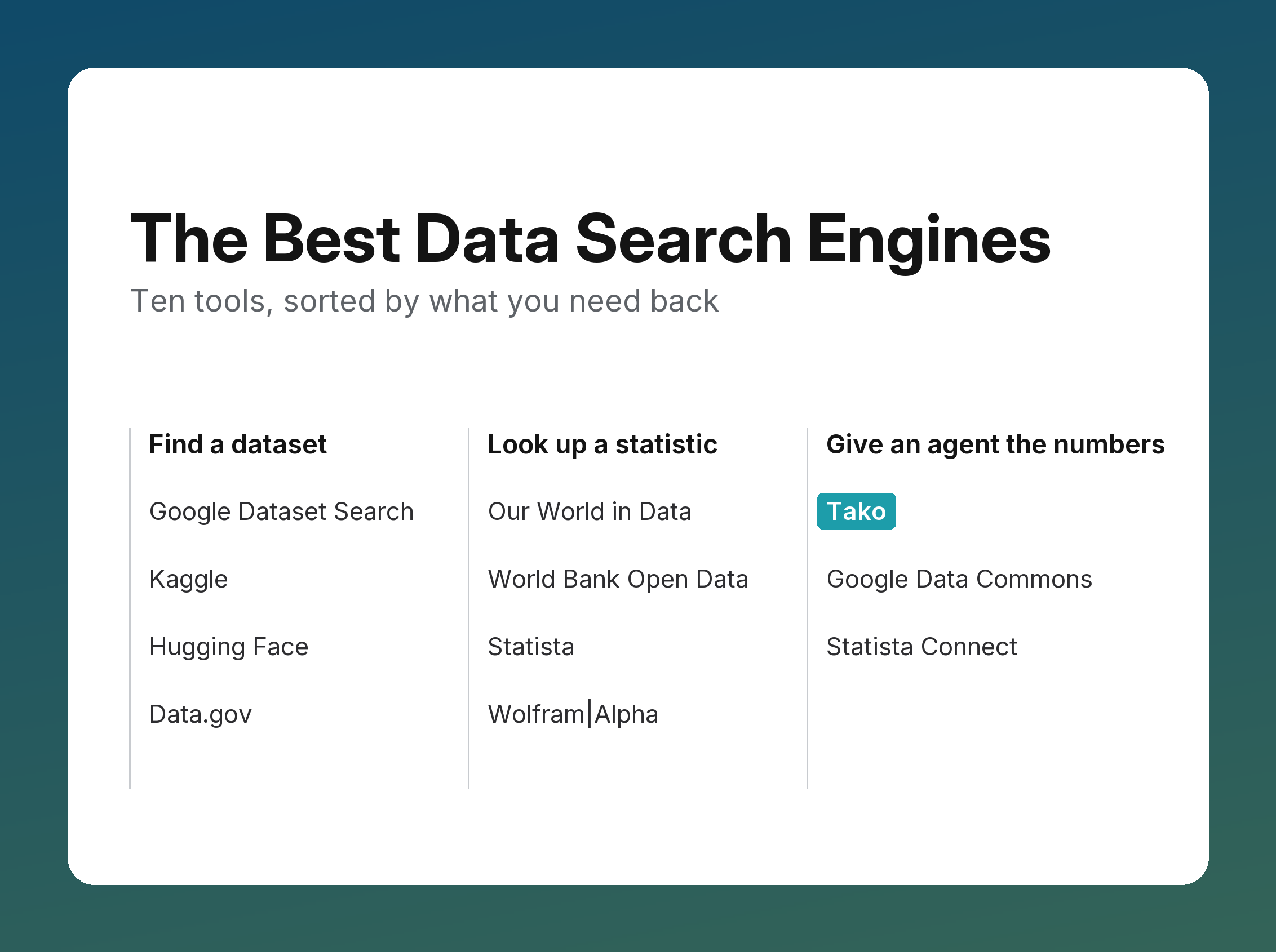
- "Best search engine for data" covers three different jobs: finding a dataset to download, looking up a statistic, and giving an AI agent the numbers.
- To find a dataset, start with Google Dataset Search. Use Kaggle or Hugging Face for machine-learning data, and Data.gov for U.S. government data.
- To look up a statistic, use Our World in Data or World Bank Open Data for free global data, and Statista for market and consumer data.
- To give an agent the numbers through an API, use Tako, Google Data Commons, or Statista Connect.
Ask an assistant for the best search engine for data and you'll get a list that mixes dataset catalogs, statistics libraries, and data warehouses. They answer different questions. This guide sorts ten tools by the job they do and by what they hand back, so you can pick the one that fits.
Tako makes one of the tools on this list. Every description below comes from the tool's own documentation as of November 2026, and we say where another tool is the better choice.
Three jobs, three kinds of tool
- Find a dataset to download. You want the raw files, and you'll clean, join, and analyze them yourself. Dataset finders search catalogs and link you to the publisher.
- Look up a statistic. You want one figure or one chart, with its source, to read or cite. Statistics libraries curate published figures.
- Give an AI agent the numbers. An agent or app needs a figure in the middle of a task, through an API it can call. It can't open a publisher's page, download a CSV, and clean it reliably, so it needs the value, its source, and its date in one response.
The ten tools at a glance
If you need a dataset to download
Google Dataset Search is the widest net. It indexes tens of millions of datasets whose publishers describe them with schema.org or DCAT markup, from government portals, universities, and scientific archives. Each result shows the publisher, formats, license, and last update, and links to the publisher's page, where you download the files. It's free, and it has no public API. Our comparison of Tako and Google Dataset Search covers when each one fits.
Kaggle hosts community-uploaded datasets next to notebooks that already use them, which makes it a good place to learn a dataset by reading someone else's analysis. Quality varies by uploader, so check the source before you rely on a file.
Hugging Face is the default home for machine-learning datasets: text, images, audio, and benchmarks, with dataset cards and a library that loads them in one line of code.
Data.gov catalogs datasets published by U.S. federal agencies. Like Google Dataset Search, it links to each agency's files rather than hosting the numbers itself.
If you need a statistic
Our World in Data publishes thousands of charts on long-run global trends, such as health, energy, poverty, and emissions, each with its sources and downloadable data under a CC BY license. It's the best free choice for a well-sourced global chart.
World Bank Open Data covers economic and development indicators for every country, such as GDP, population, and trade, with a free API for the same indicators.
Statista is a subscription library of published statistics, market forecasts, and consumer surveys, with a source and methodology on each figure. It's the strongest choice for market sizes and consumer data. Individual plans start at $199 a month on an annual contract. Our comparison of Tako and Statista covers the API side.
Wolfram|Alpha computes answers from its own curated data, so it's good at questions that need a calculation, such as unit conversions, comparisons, and physical constants, as well as a lookup.
If an AI agent needs the numbers
An agent needs more than a link. It needs the value, the source, and the date, in a response it can quote or compute over, from a call that returns in about a second. Three tools are built for that.
Tako searches licensed and official data, including company financials, economic indicators, markets, web traffic, sports, and government spending, along with the web, in one call. Each result is a knowledge card with the figure, an interactive chart, and its source, plus cited web results; where the source's license allows export, the Contents API returns the rows behind a card. It costs from $7 per 1,000 searches, depending on the search level, after free credits, and its MCP server connects Claude, ChatGPT, and Cursor.
Google Data Commons joins public statistics from sources such as census bureaus and international agencies into one graph of places and variables. It offers a free API and a hosted MCP server, and it's a strong choice for public demographic and economic data.
Statista Connect gives agents Statista's statistics through a REST API and an MCP server. It's sold on its own or as an add-on to Statista's Professional and Enterprise plans, with pricing from its sales team.
How to choose
- If you'll analyze the raw files yourself, use a dataset finder: Google Dataset Search first, then Kaggle, Hugging Face, or Data.gov.
- If you need one well-sourced figure or chart, use Our World in Data or World Bank Open Data, or Statista for market and consumer data.
- If an agent or app needs figures through an API, use Tako for current figures across many domains with web results in the same call, Data Commons for public statistics, or Statista Connect for Statista's market and consumer data.
Ground your AI agents in real-time, structured data — web and premium sources unified in one API. Try Tako in the Playground or .